On KabaOSTürkçe
Your whole desktop,
in one system.
KabaOS is KabaForce's desktop operating system. From documents, sheets and slides to 3D modeling, video editing and maps, the apps run on your computer and sync with your data on the web and your phone through the same KabaForce account.
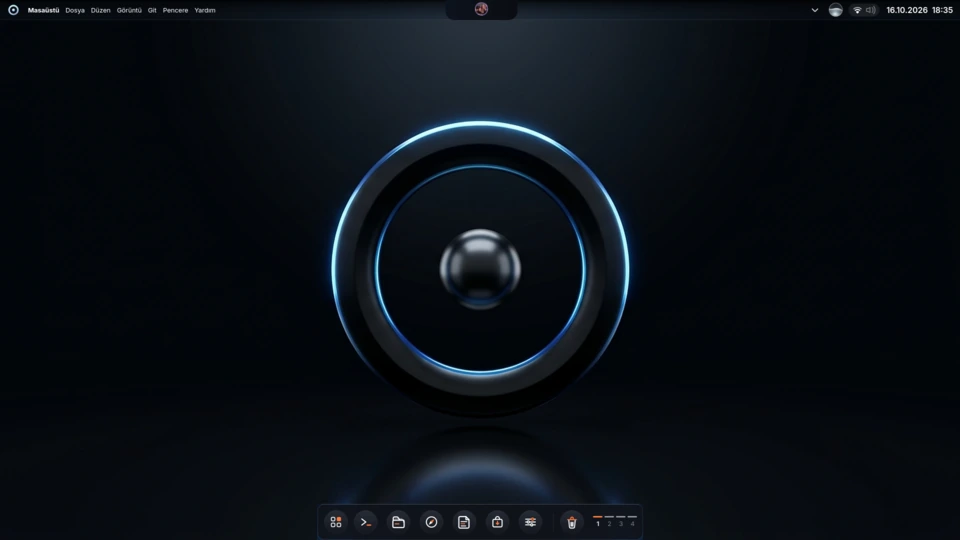
Creative
3D, CAD and video
The desktop apps that replace the web's 3D Lab and Video Studio. Your projects stay on your own disk, so large scenes and long videos are not limited by the browser.
3D Modeling3D and Design
Modeling, sculpting, texturing, lighting and animation, rendered on your own graphics card.
CAD Design3D and Design
Parametric parts and assemblies; export to STEP and STL for 3D printing.
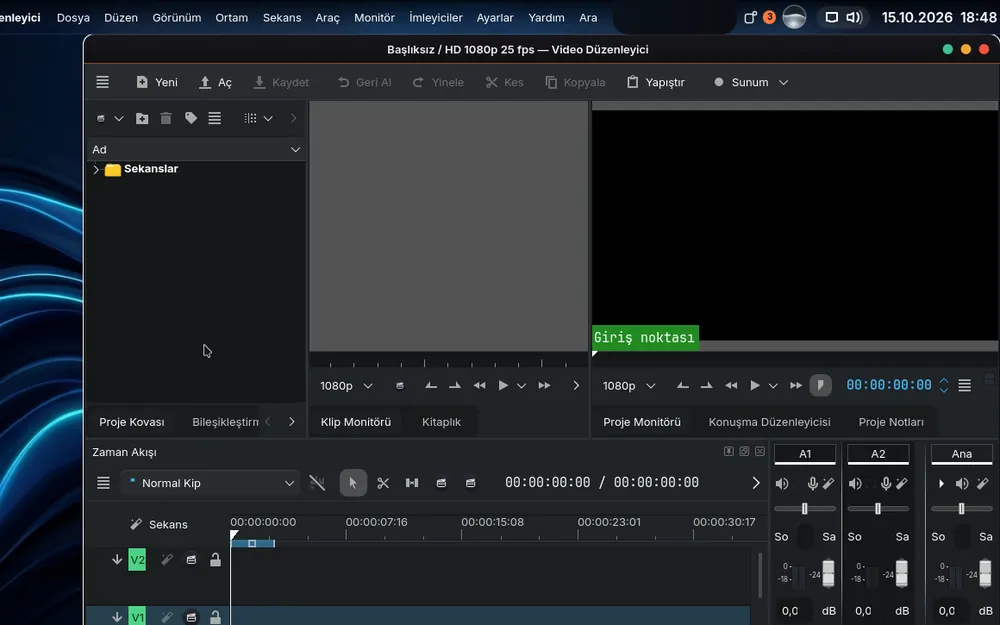
Video Studio
Timeline video editing: cut, join, add titles and transitions, then export.
Office
Writer, Sheets, Slides and Draw
KabaOffice comes as four apps. It opens Word, Excel and PowerPoint files and saves in the same formats by default, with Turkish characters and fonts rendered correctly.
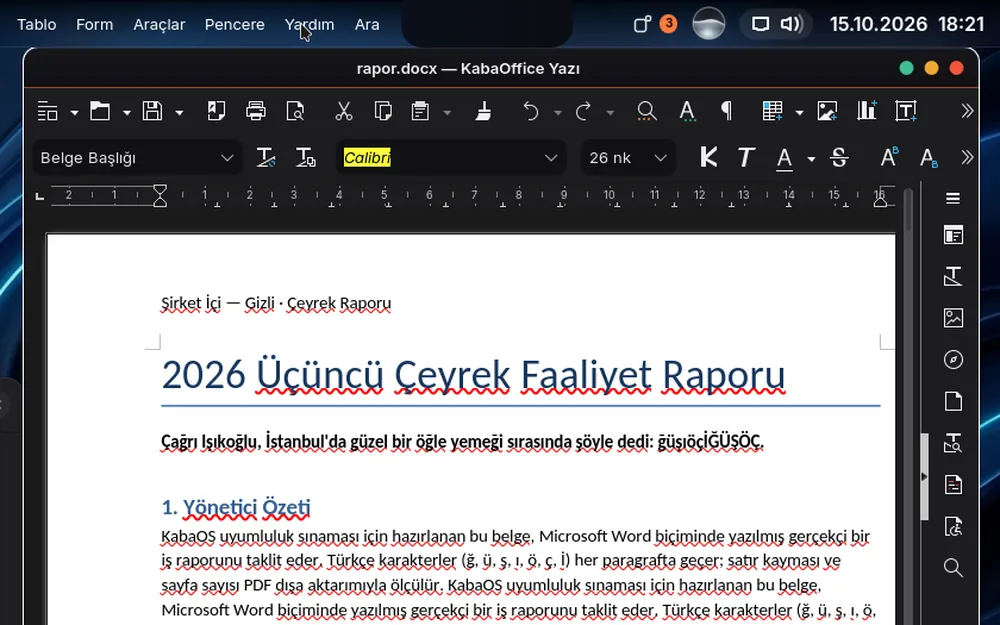
Writer
Write documents; open and save .docx files.
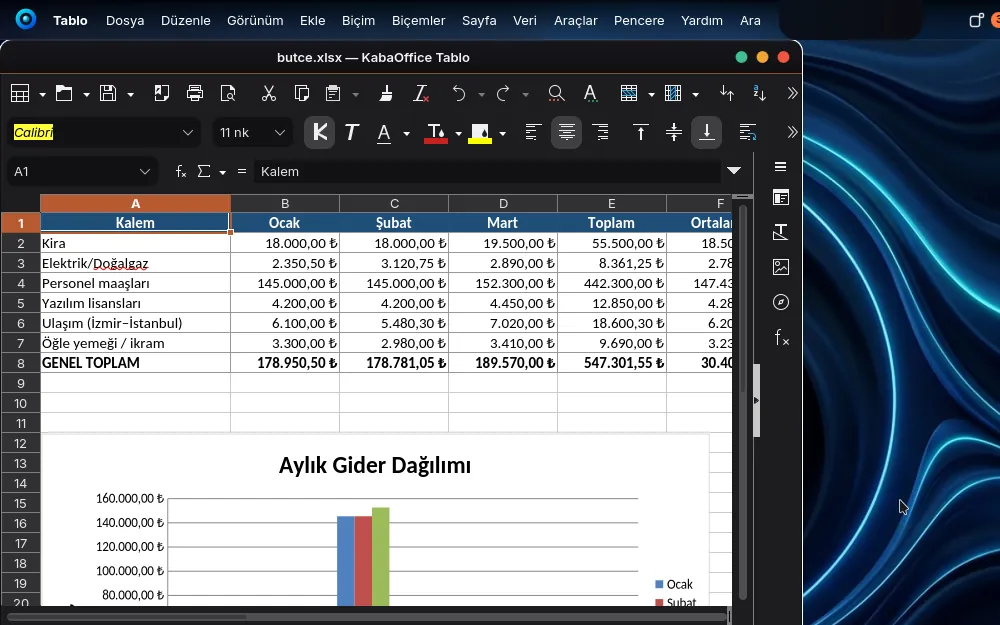
Sheets
Spreadsheets and charts; works with .xlsx files.
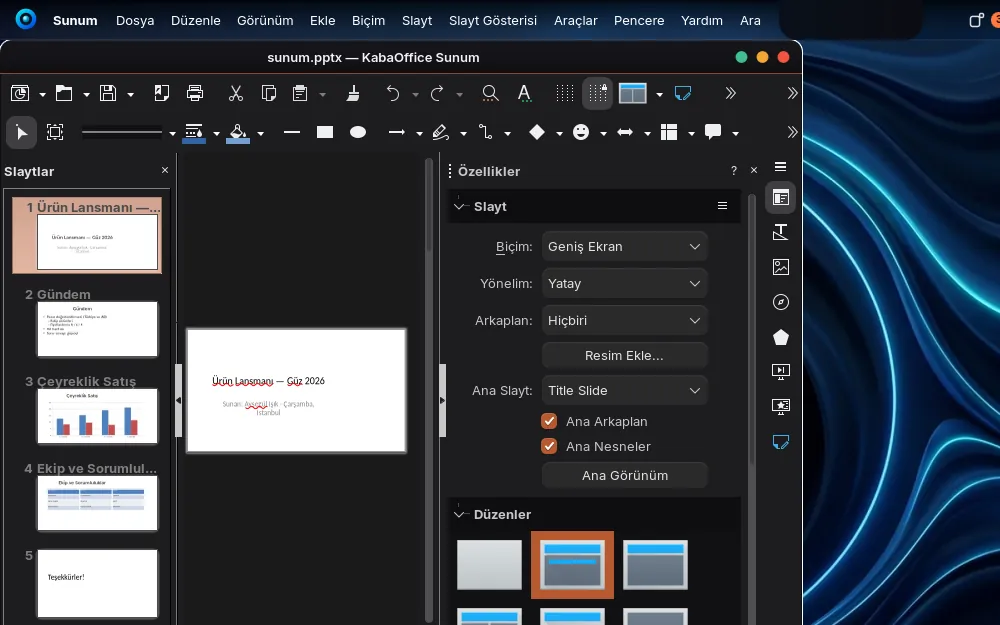
Slides
Build slides; open and present .pptx decks.
Draw
Diagrams, flowcharts and page layout.
Every day
Apps that sync with your account
Sign in with the same KabaForce account and your notes, passwords, photos and mail are where you left them on the web and on your phone.
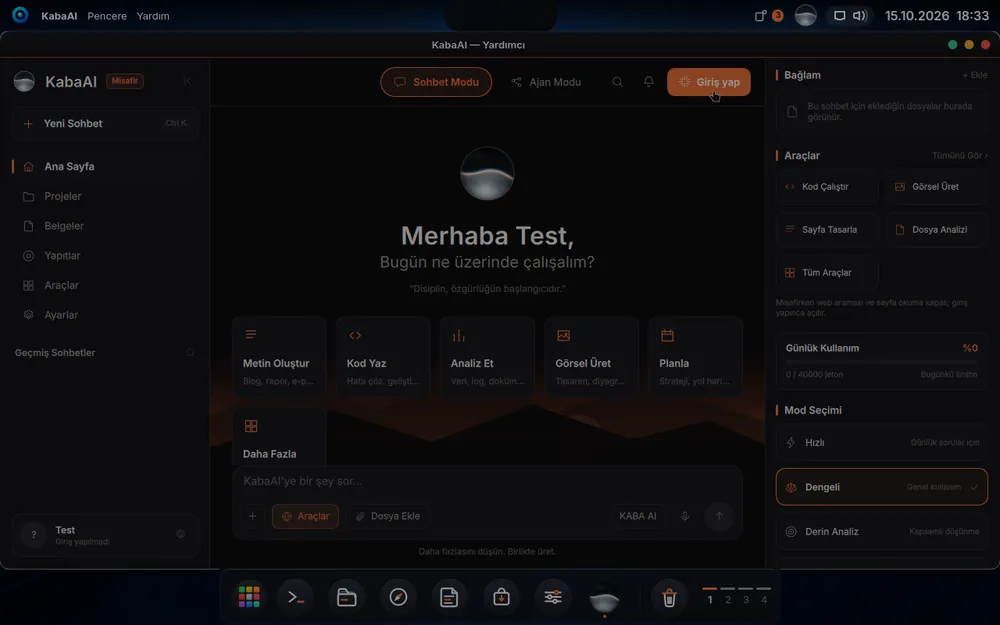
KabaAI
The desktop AI assistant: chat, agent mode, working with documents and files.
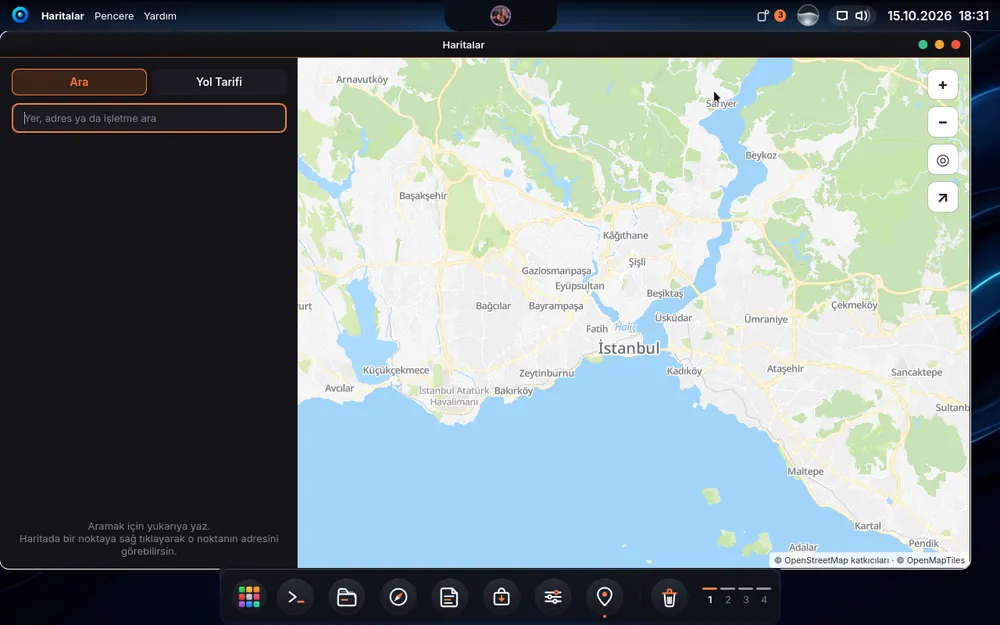
Maps
Draws the map on this computer; place search and directions.
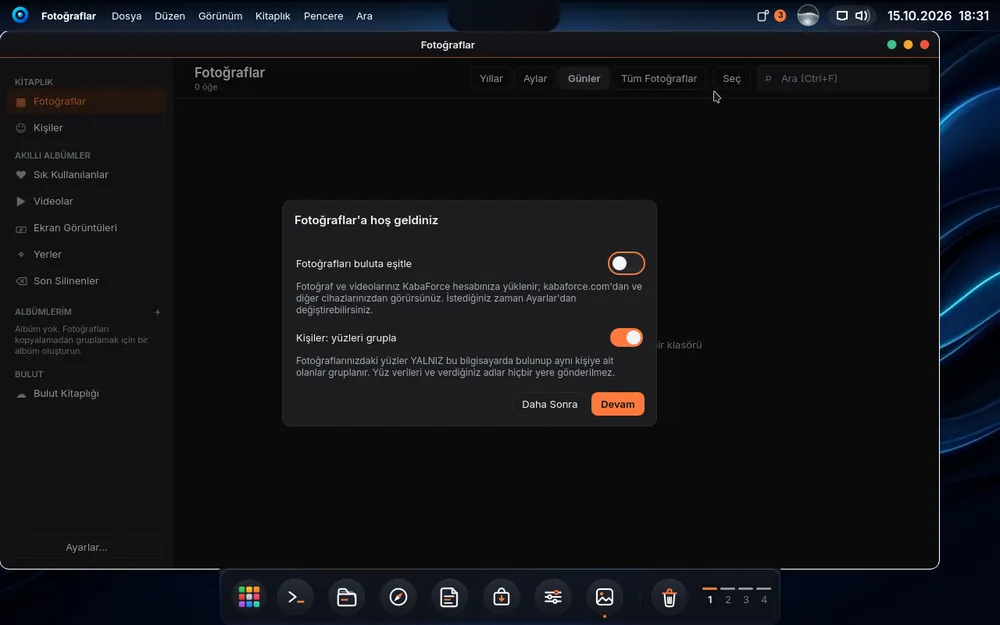
Photos
Your Pictures folder as a timeline and albums. Cloud sync is optional; face grouping happens only on this computer.
Zarf
Mail app; your KabaForce mail on the desktop.
Notes
Your notes sync with Notes on the web through your account.
Passwords
End-to-end encrypted password vault; syncs with your phone and browser.
Kcode
Code editor: open a project, clone a repository, get to work.
Rota
The KabaForce browser; your tabs sync, encrypted, with Rota on your phone.
How do they arrive?
- KabaAI, Zarf, Notes, Passwords, Photos, Maps, Kcode and Rota are installed with the system.
- Office and Video Studio install themselves after setup, once the internet is connected.
- 3D Modeling and CAD Design come with Digital Painting, Vector Drawing and Image Editor when you choose “3D and Design” during setup. They can also be installed later from the App Store.
KabaOS is being prepared for release
When the new release is out, the installer, system requirements and checksum will be on the download page.
Download centreImages are real KabaOS screenshots; the drawings on the 3D Modeling and CAD Design cards are illustrations.